
You don’t need a published game to call yourself a designer. If you want to be one, just start designing and you already are one.
WannabeBoardGameDesigner.com is a learning journal. An ongoing project to collect resources and share stories and information about the board game design for anyone interested in board games.
I share what I’m learning as I go, from first prototypes to playtests gone wrong, so you can skip a few mistakes and join the fun.

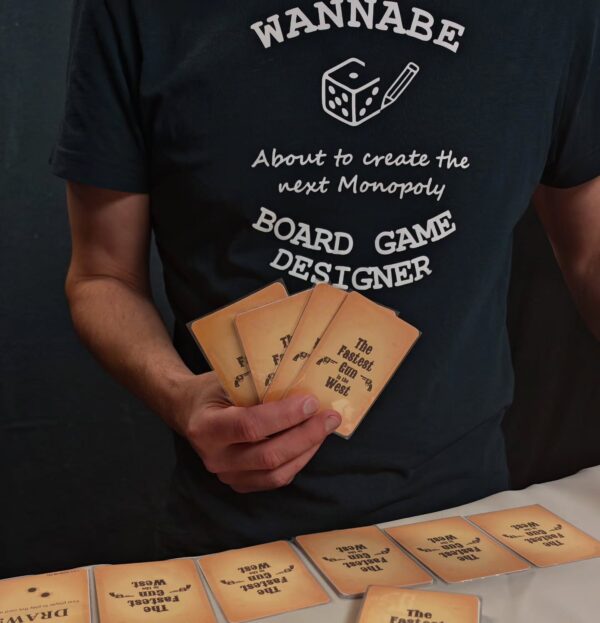 The Fastest Gun in the West. Still under development, but has already won Tabletop Creator's Board Game Creation Contest –…
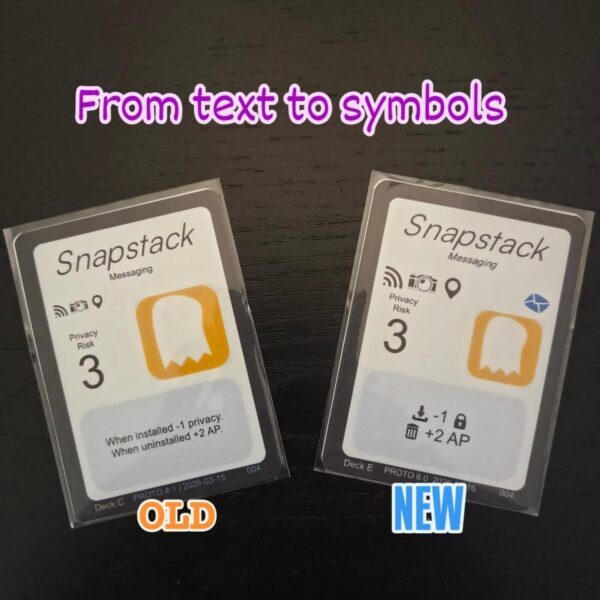
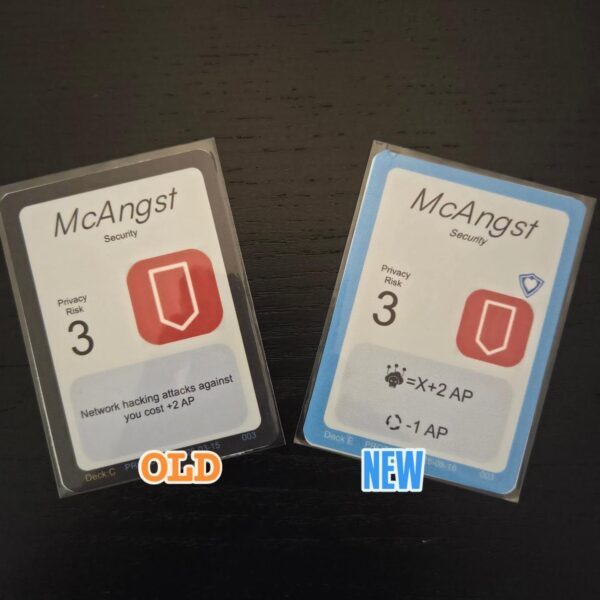
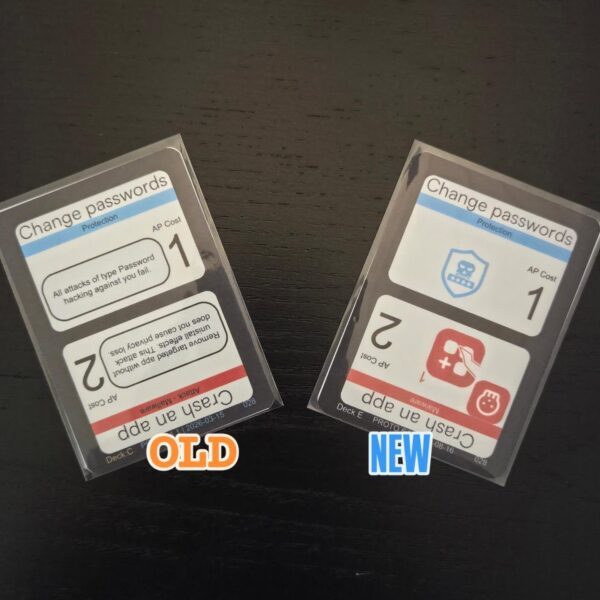
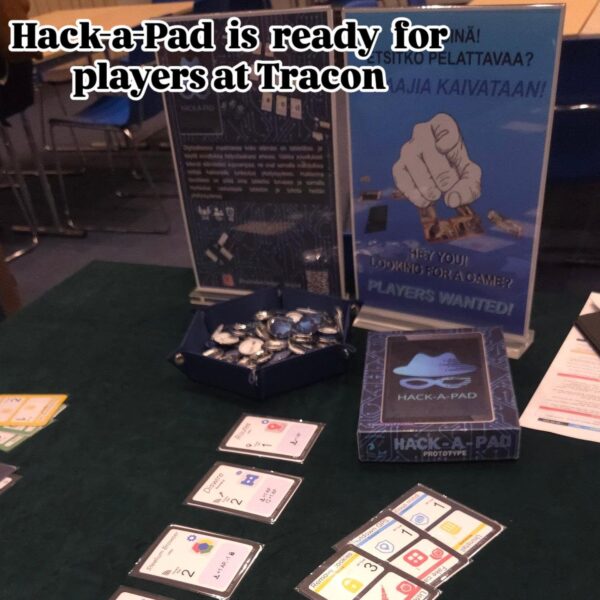 Join me at @tracon_fi today and test new version of Hack-a-Pad.
#boardgamedesign #boardgameprototype #playtesting #tracon
Join me at @tracon_fi today and test new version of Hack-a-Pad.
#boardgamedesign #boardgameprototype #playtesting #tracon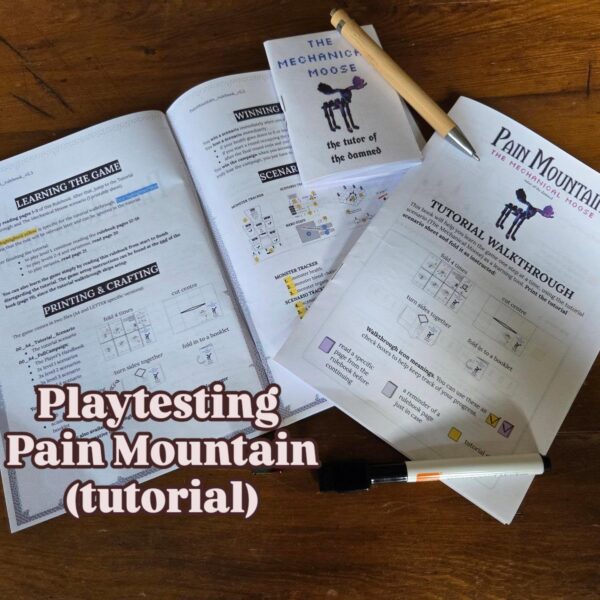
 +1 more
 19.5 hours of board game design concentrated in about 20 mins. youtu.be/p0zMb3jETtE #designdiary #boardgamedesign #wildwestgame #24hourchallenge #designprocess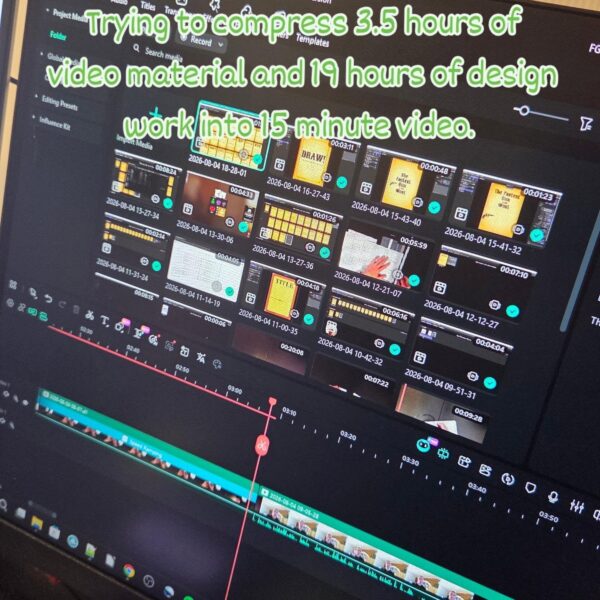
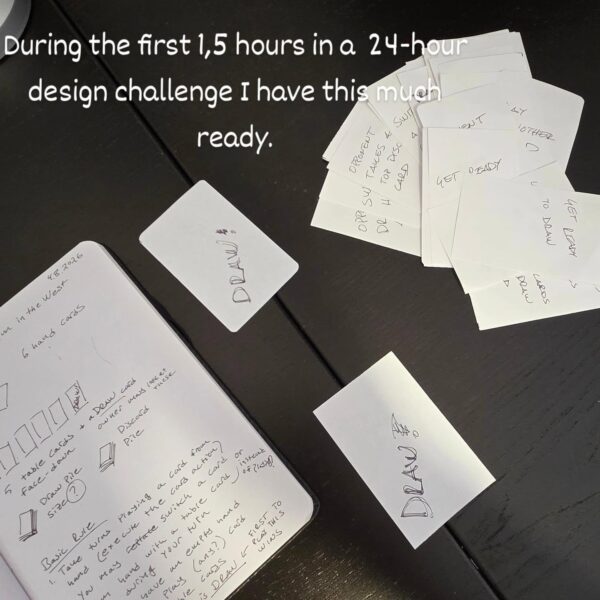 ring the first 1,5 hours in a 24-hour design challenge I have this much ready. 1 page rules draft, about…
 Follow me while I try to make a full playable game in just 24 hours. (www.youtube.com/playlist?list=PLZgKrVRWElz4) This time the BGG…
-

Design Diary – The Fastest Gun in the West – 19½ hours of design in 26 minutes
The Fastest Gun in the West started with a single keyword: DRAW.
It was the theme of BoardGameGeek’s July/August 2026 Bi-Monthly 24 Hour Design Challenge.
I came up an idea about classic Wild West showdown: two or more gunslingers facing each other on an empty street, waiting to see who can draw first.
This video is an edited design diary of the whole process. Most of the footage comes from the live progress updates I streamed during the 24-hour challenge. However, this compilation also includes additional videos recorded during the contest that have never been published before. These go deeper into the actual design process, the tools I use and some of the decisions behind the game.
I’ll show you how I developed The Fastest Gun in the West from an vague idea through initial notes and roughly 30 hand-written paper cards into a playable game with a physical prototype, digital (TTS and screentop.gg) implementations, rulebook and downloadable Print & Play files.
Along the way I cover things such as:
starting a design with notes, components and a rough rules framework
testing an idea as quickly as possible with pen-and-paper cards • deciding whether the basic game idea is worth developing further
creating cards and Blueprints in Tabletop Creator
moving card data between Tabletop Creator and spreadsheets
using version numbers, dates and card IDs in prototypes
creating low-ink versions for physical playtesting
exporting components for Tabletop Simulator and Screentop.gg
iterative playtesting and card changes
writing and proofreading the rulebook
creating A4 and Letter-sized Print & Play files
I started the challenge at 08:00 in the morning and finally called the game finished at around 03:30 the following morning, after roughly 19½ hours of work (and way past my bed time).
The final part of the video includes a walkthrough of the contest version of the rules.
-
Make your games more playable in TTS using snap points
In this episode, I’ll show how to make your Tabletop Simulator mods feel way more playable using snap points, no coding, no scripting, no programming skills needed.
You’ll see how snap points work, why locking your components matters, and a practical method for placing points precisely (using a helper object + the Gizmo tool). After that, I’ll show how tags let you control which components snap to which points.
Then we’ll take it one step further with Rotate Snap, so components not only snap into place but also snap into the correct rotation handy for grid-based card play.
Finally, I’ll demo how snap points can be used to build simple slider-style trackers for values like action points, privacy, or initiative.