
You don’t need a published game to call yourself a designer. If you want to be one, just start designing and you already are one.
WannabeBoardGameDesigner.com is a learning journal. An ongoing project to collect resources and share stories and information about the board game design for anyone interested in board games.
I share what I’m learning as I go, from first prototypes to playtests gone wrong, so you can skip a few mistakes and join the fun.

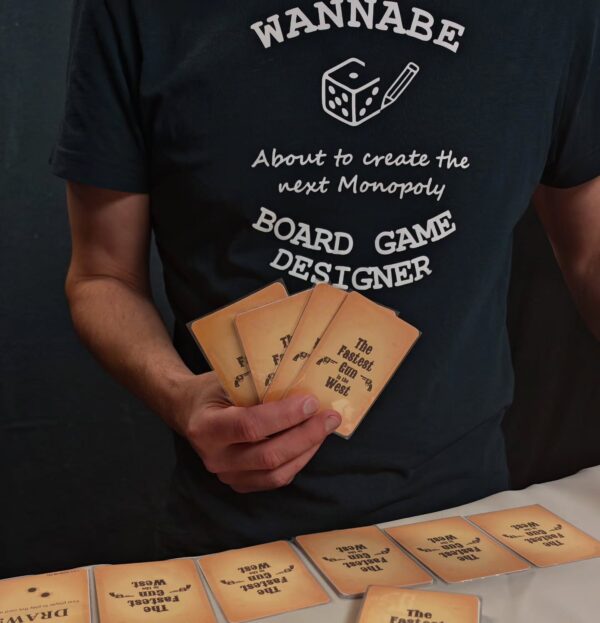 The Fastest Gun in the West. Still under development, but has already won Tabletop Creator's Board Game Creation Contest –…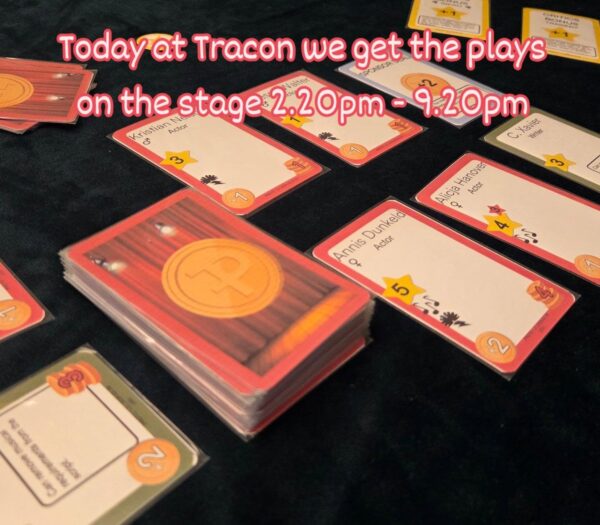
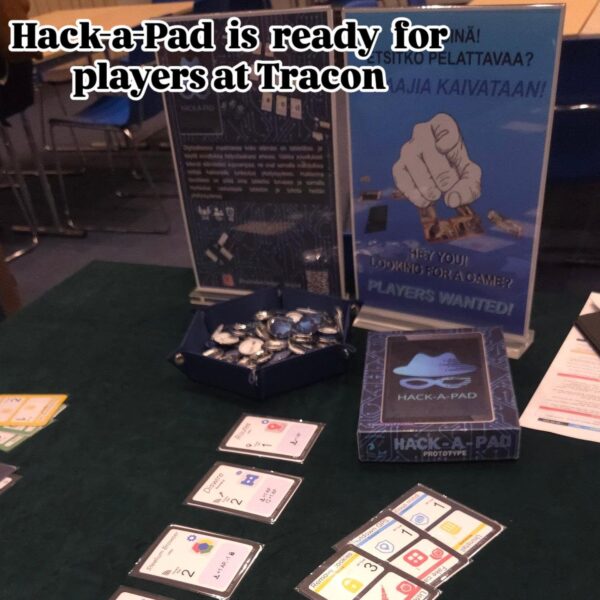 Join me at @tracon_fi today and test new version of Hack-a-Pad.
#boardgamedesign #boardgameprototype #playtesting #tracon
Join me at @tracon_fi today and test new version of Hack-a-Pad.
#boardgamedesign #boardgameprototype #playtesting #tracon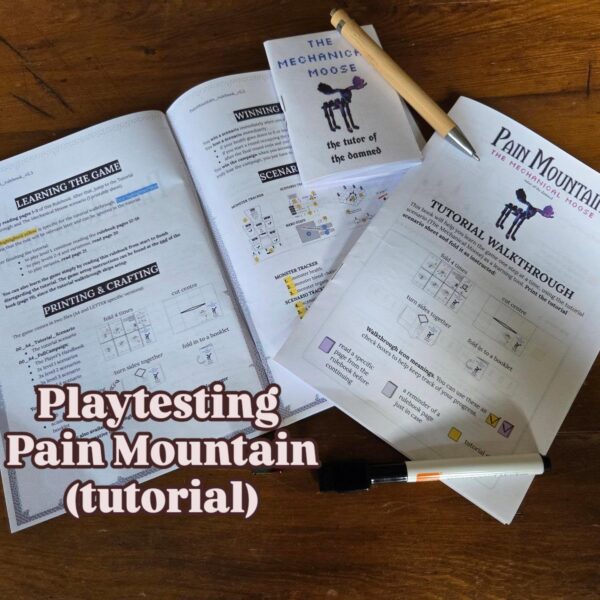
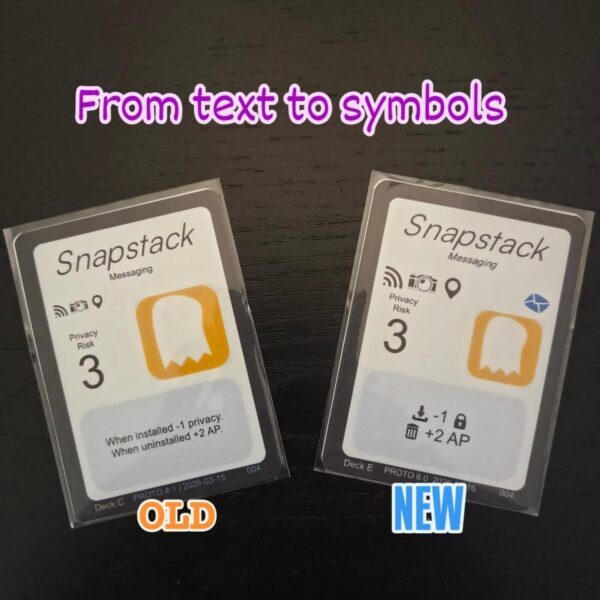
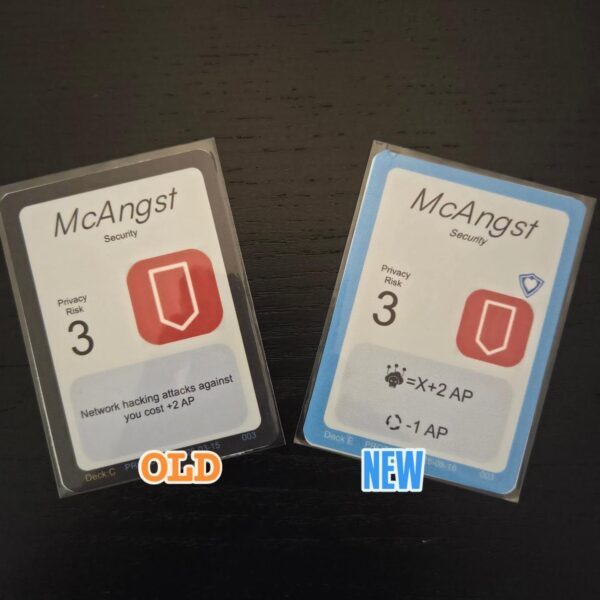
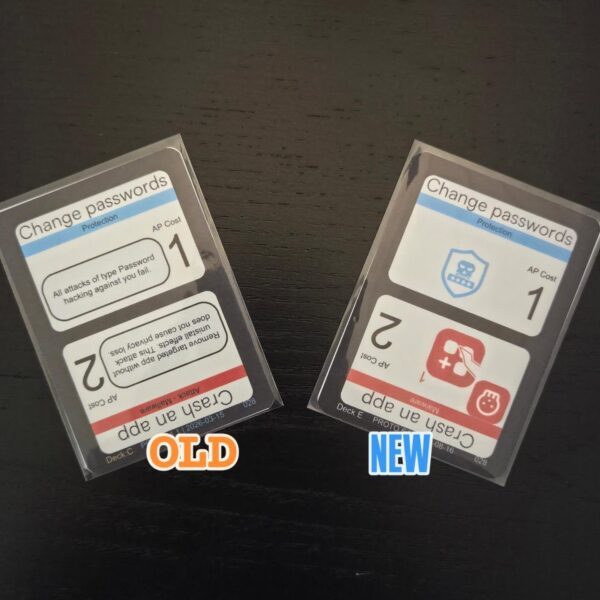 +1 more
 19.5 hours of board game design concentrated in about 20 mins. youtu.be/p0zMb3jETtE #designdiary #boardgamedesign #wildwestgame #24hourchallenge #designprocess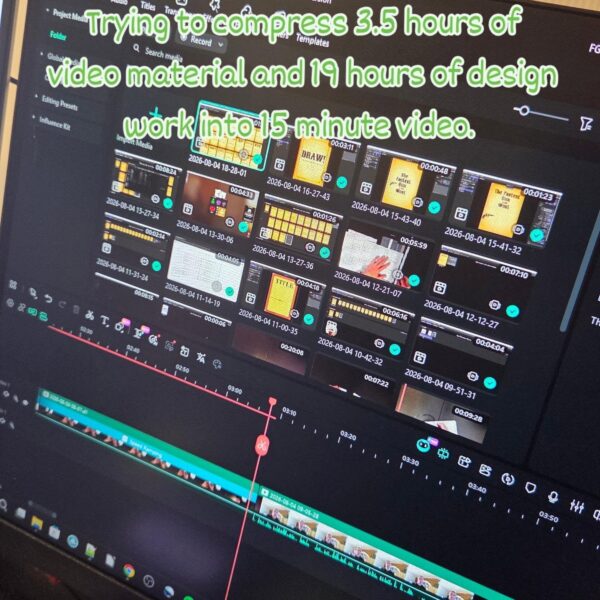
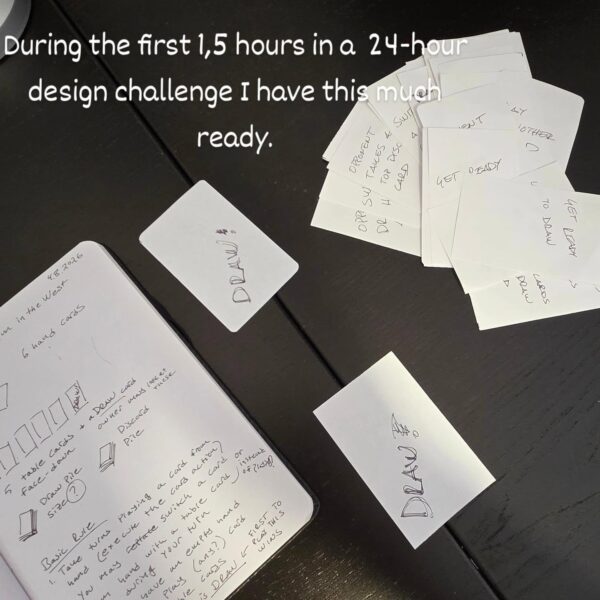 ring the first 1,5 hours in a 24-hour design challenge I have this much ready. 1 page rules draft, about…
 Follow me while I try to make a full playable game in just 24 hours. (www.youtube.com/playlist?list=PLZgKrVRWElz4) This time the BGG…
-
Board Game Design Contests in February 2026
I love board game design contests as they’re a fun way to learn faster, because the constraints and deadlines force new ideas to happen. In this video, I open the contest calendar on my website and go through what’s available for February 2026: what kinds of contests are running right now, which ones look especially interesting, and what contests I’m planning on participating.
If any contest catches the eye, jump in let’s learn to design better games.
-
How to create an editable score sheet in TTS?
In this diary entry (24 January 2026), I show how I turn a roll-and-write scoring sheet (my “thief sheet”) for my Master of Thievery game into something you can actually use inside Tabletop Simulator: editable text fields plus a big set of clickable checkboxes.
I walk through a practical workflow in TTS, including how to size and align fields, how to copy groups of fields so you don’t have to build everything one by one, and how to save the result as a reusable component. To do this, I use the Make Anything Editable mod from the TTS Workshop..
At the end, I also cover a workaround for situations where you’d like editable surfaces on both sides of a card.
If you’re interested in the designs created in the 2025 roll-and-write design contest, check them out here: https://boardgamegeek.com/thread/3585125/the-2025-roll-and-write-game-design-contest.